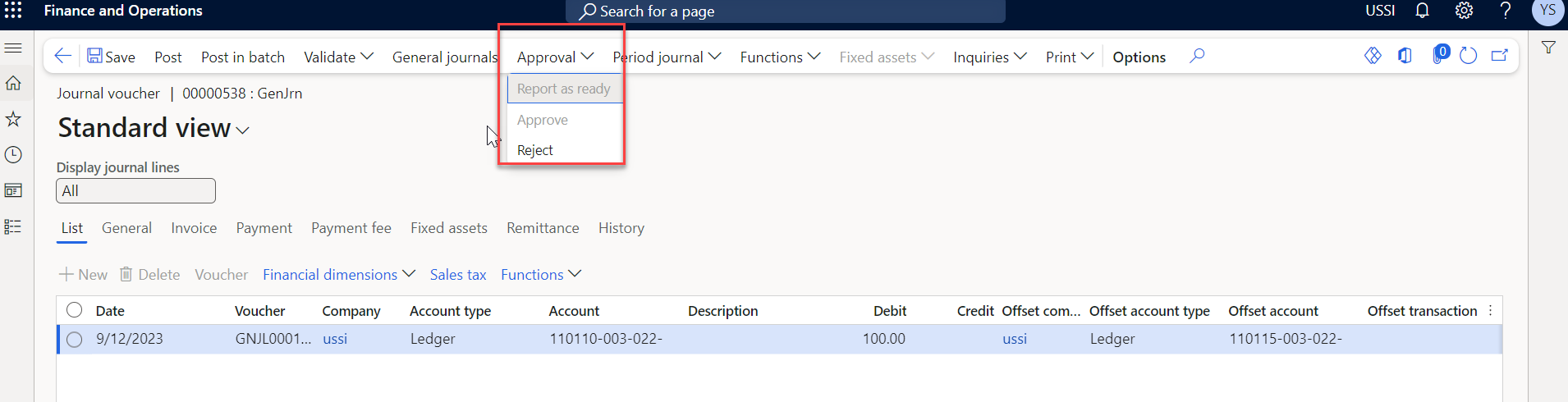
AXIO Finance - Journal Name Creator and Approver
Best practices for journal entries require a segregation of duties between the creator and approver for entries.
When this features is turned on the creator of the journal cannot approve the journal, even if they belong to the same journal group as other approvers.
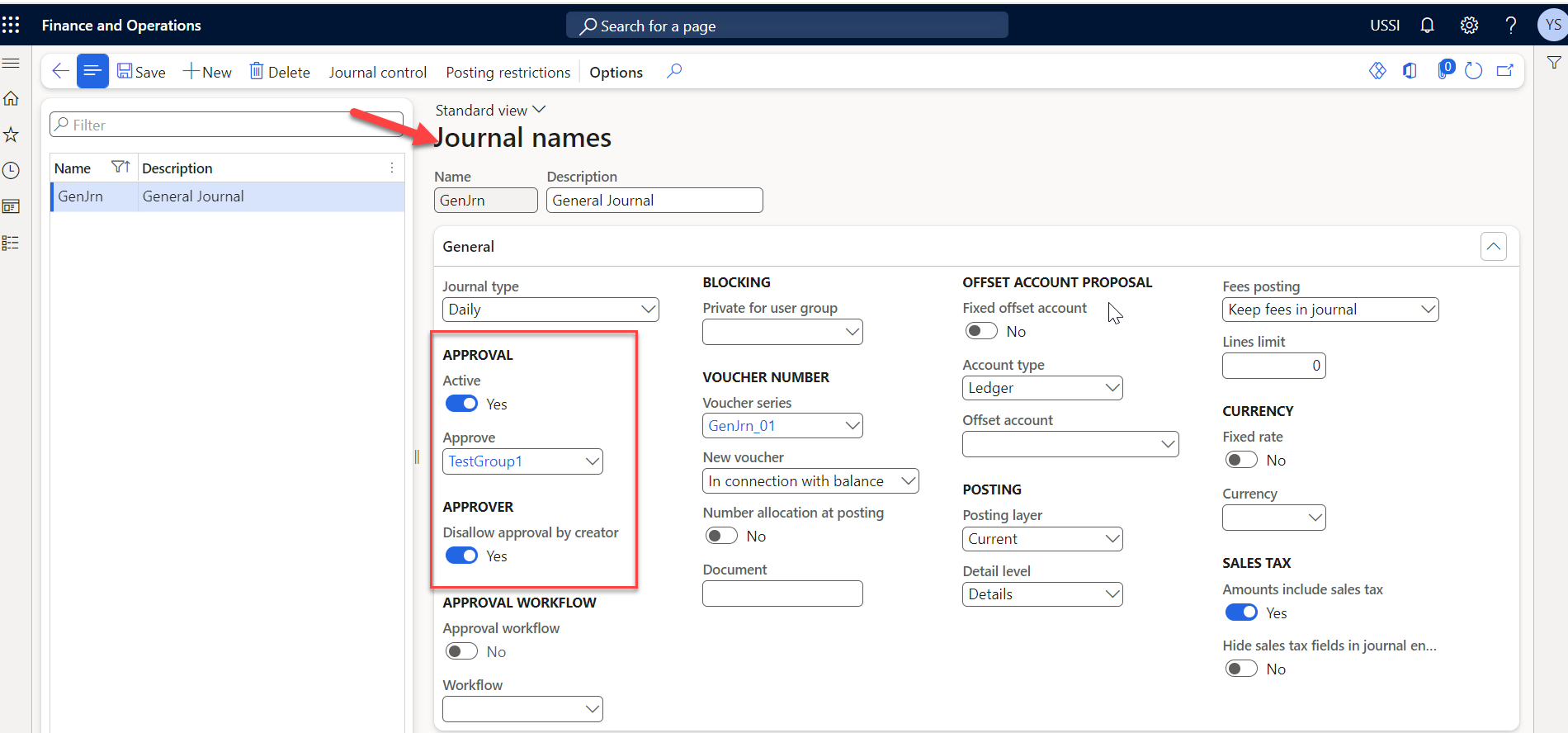
Navigate to: General Ledger Module -> Journal Setup -> Journal names.
In the Journal names form > Approval > Active, toggle option to Yes.
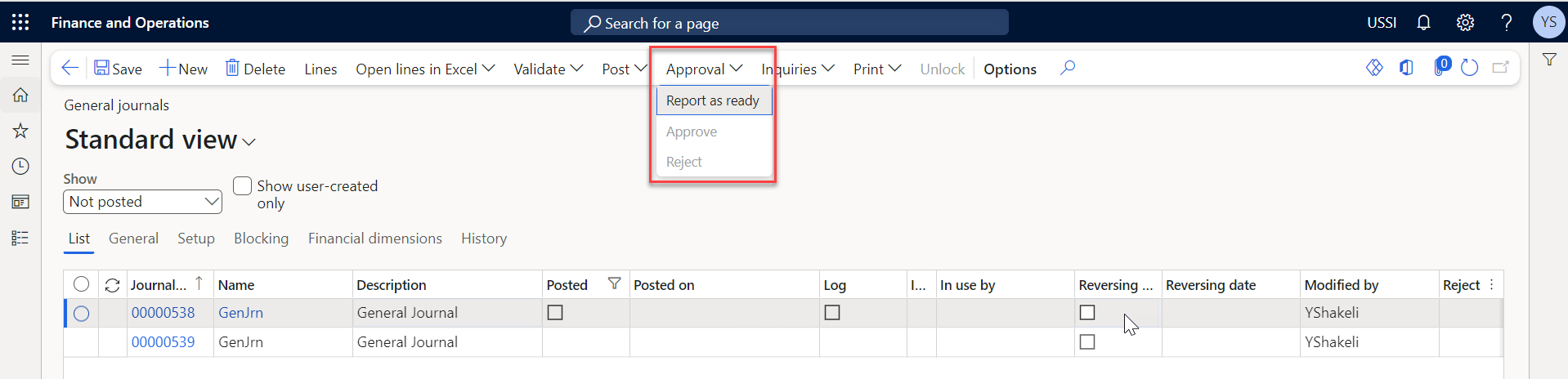
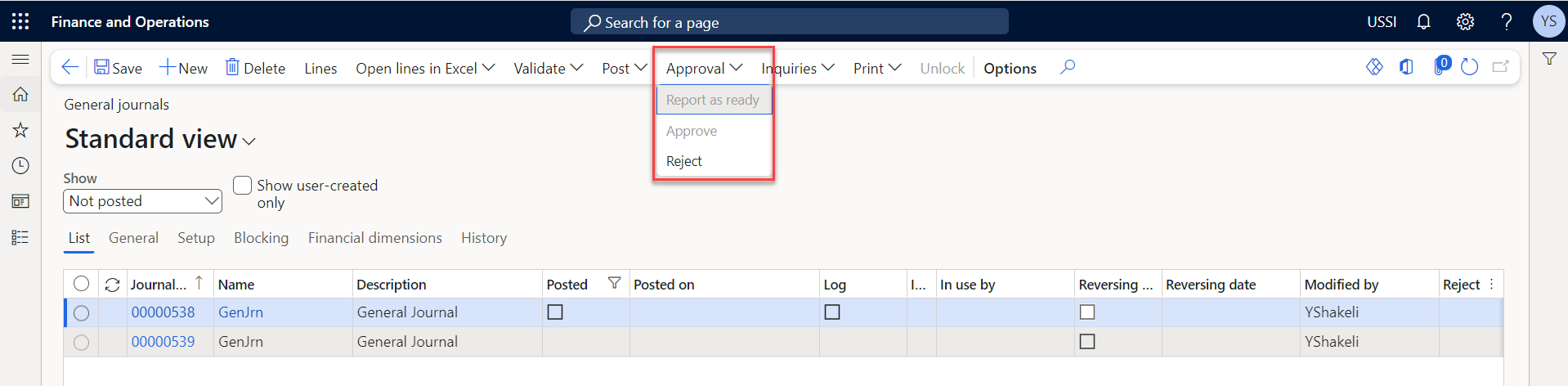
Main Journals Form with Approval – Report as Ready view
Lines form with Approval - Report as Ready view
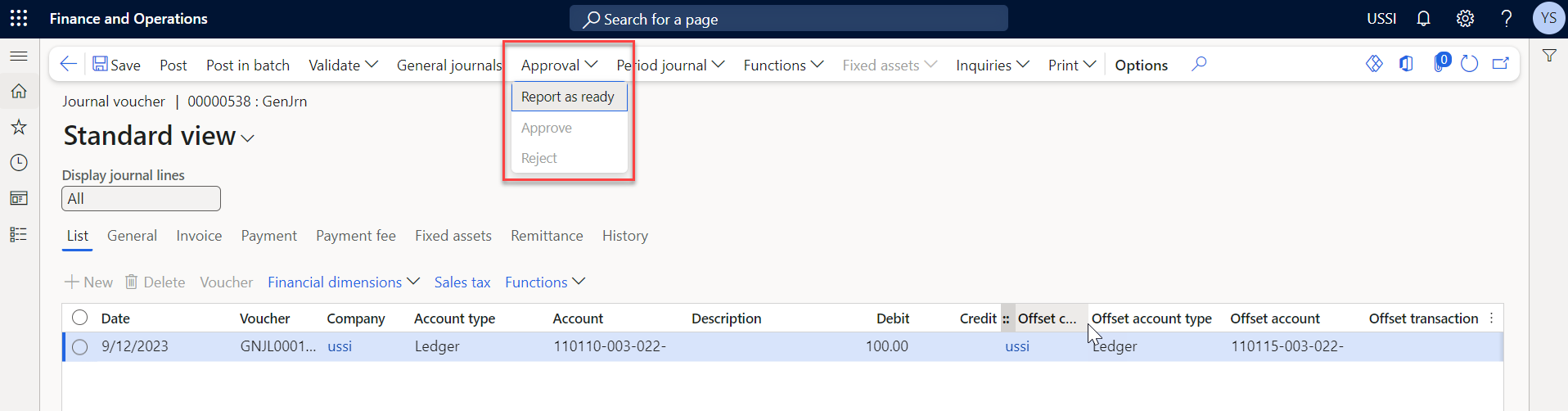
The Approve functionality on both Journal screens and Line screens are disabled for the Creator of the Journal.
Main Journals Form with Approval – after reported as ready, creator view
Lines Form with Approval – after reported as ready, creator view