Expense Report Integration App
AXIO ProServ for Dynamics 365 streamlines expense processing, reduces errors, and provides secure, faster processing and reconciliation capabilities with the Expense Report Integration feature.
Overview
Import expenses into Dynamics 365 ProServ using a csv data file and the Expense Report Integration feature.
Setups
Enable Expense Report Integration App
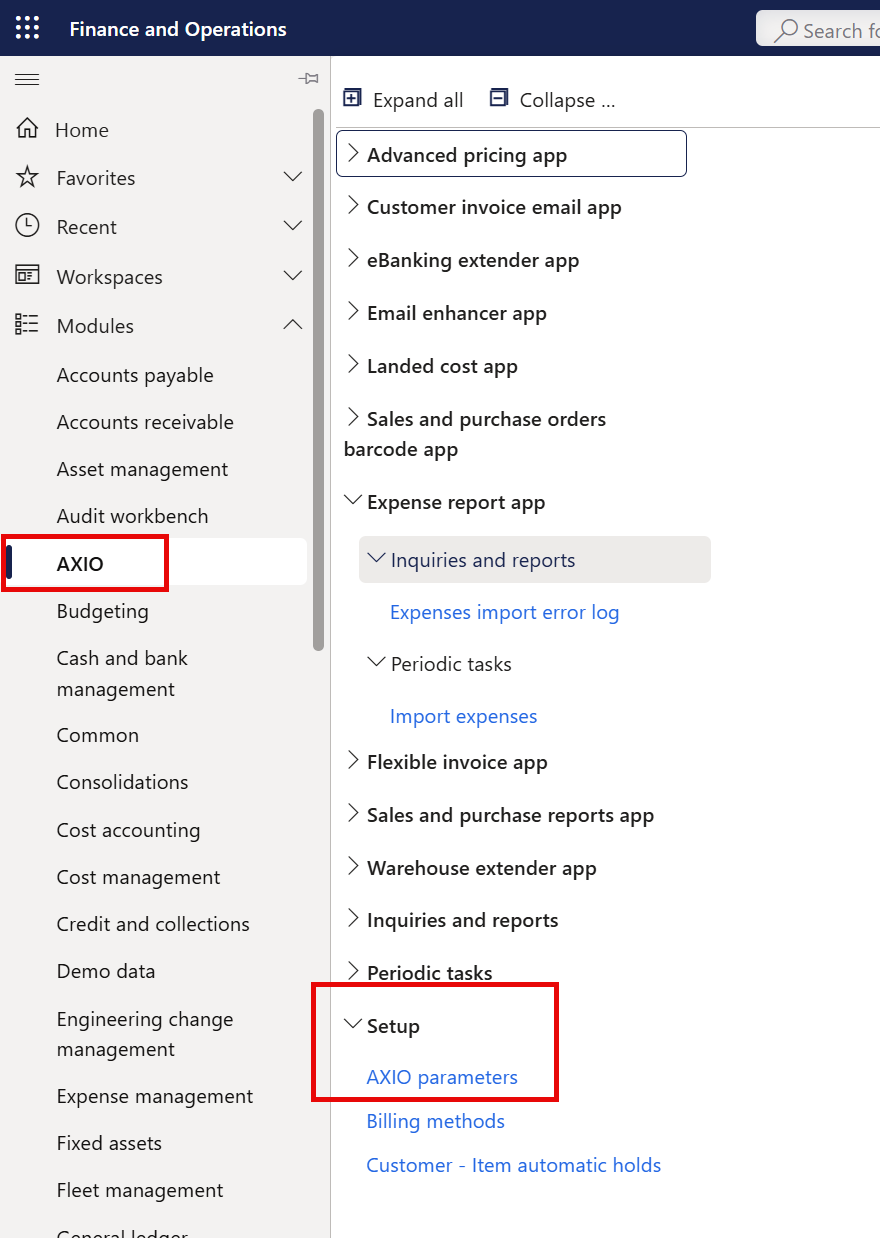
To enable the Expense Reports Integration app, under AXIO, select AXIO parameters > Expense management parameters from the AXIO Setup menu:
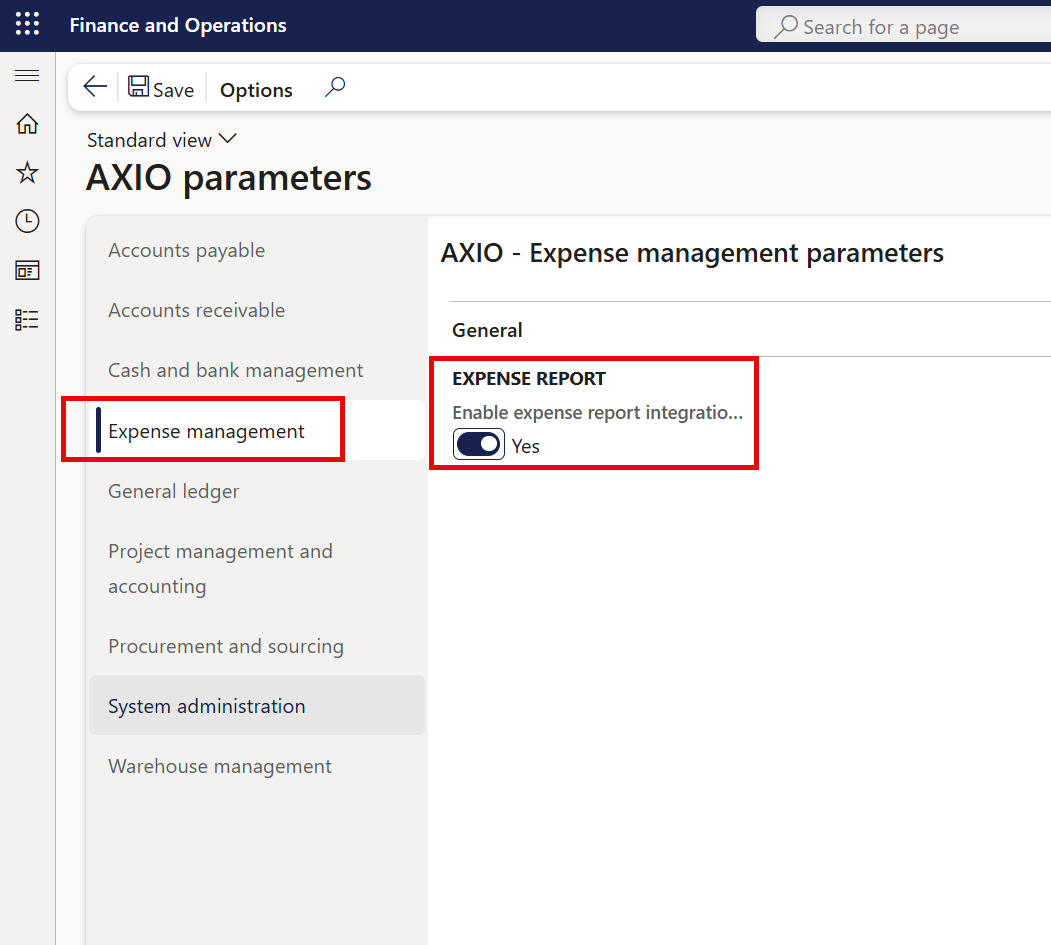
Toggle the Enable expense report integration app to 'Yes'.
Importing Expense Reports
Third party solutions can export expense reports as a CSV file, providing all the necessary details for easy review and importing.
- AXIO's Azure Blob storage feature includes a folder for importing expense reports.
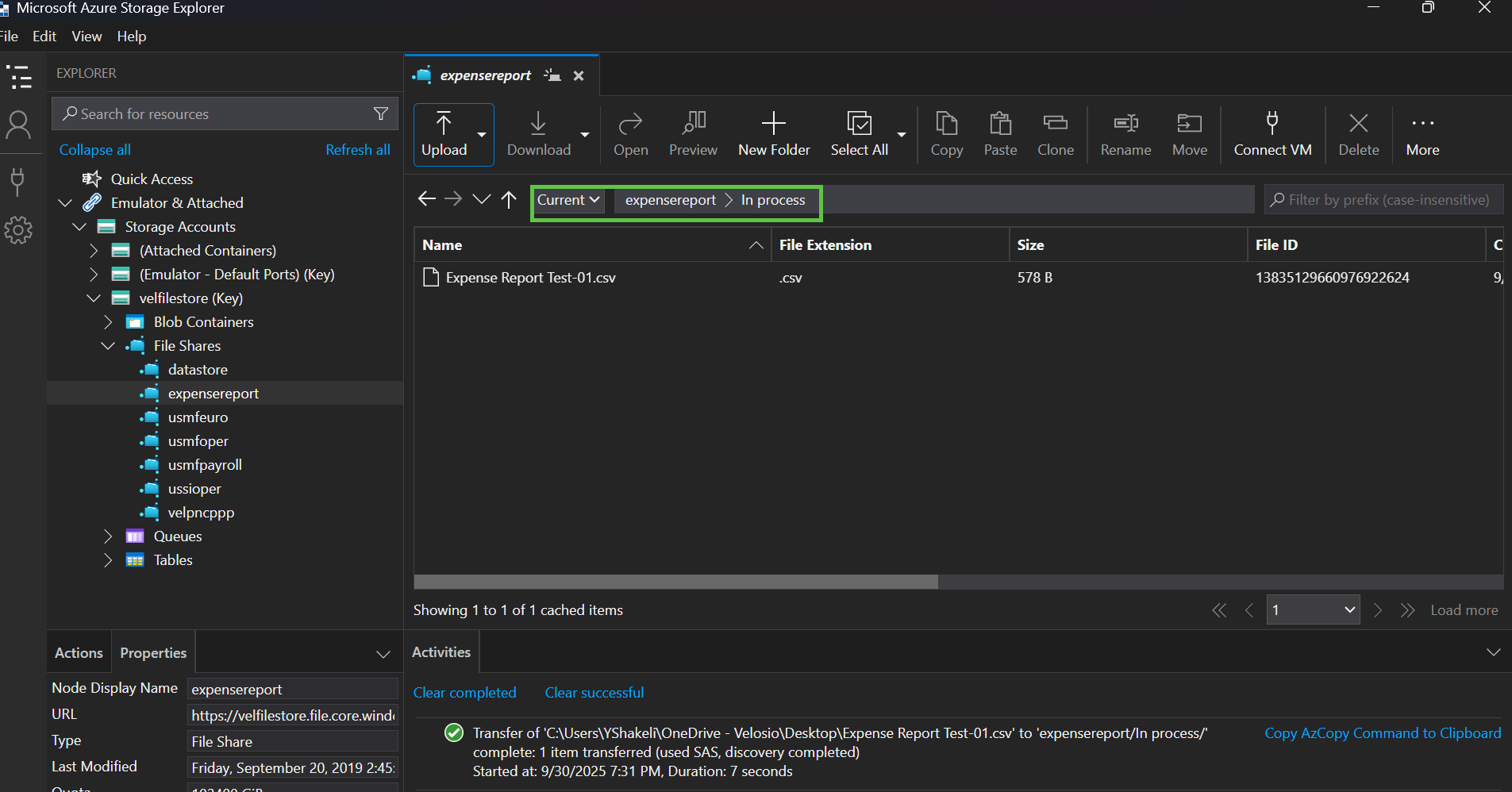
- After the expense report has been successfully imported, the file will be moved to the Archive folder for historical records.
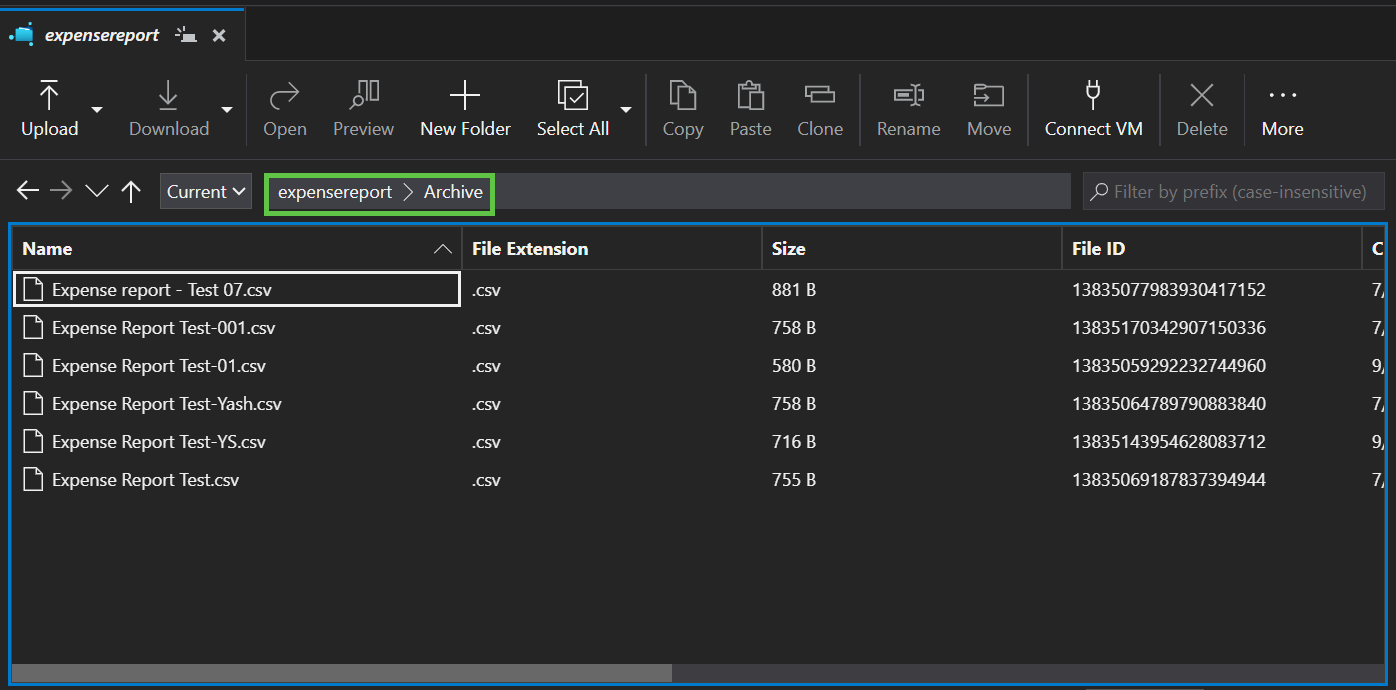
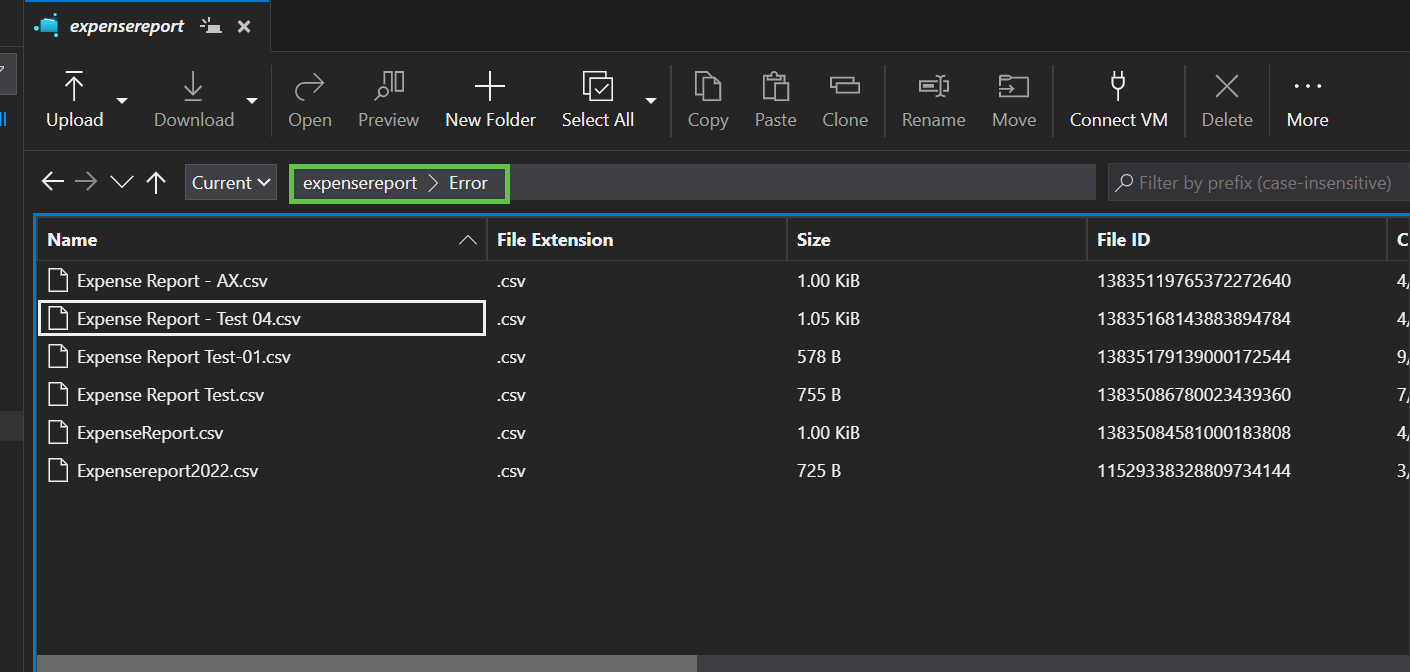
- If the expense information in the file is incorrect and cannot be imported, it is moved to the Error folder for further review.
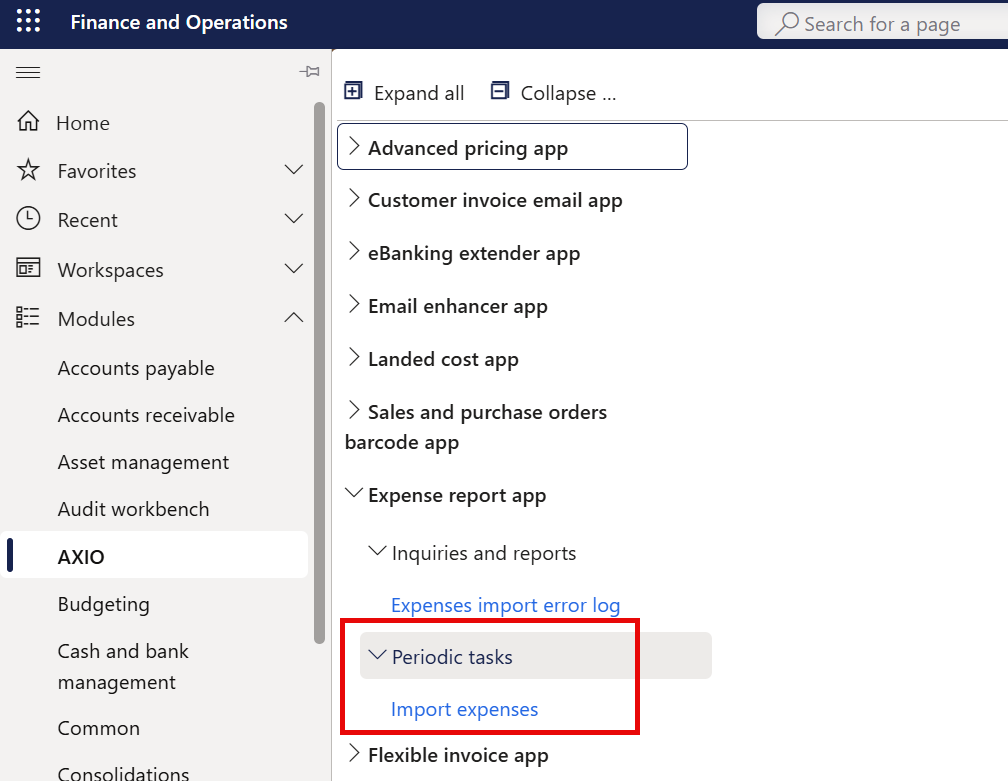
- To import the expense report file placed into the Azure blog storage, select Import expenses from the AXIO Expense Report app, Periodic tasks menu.
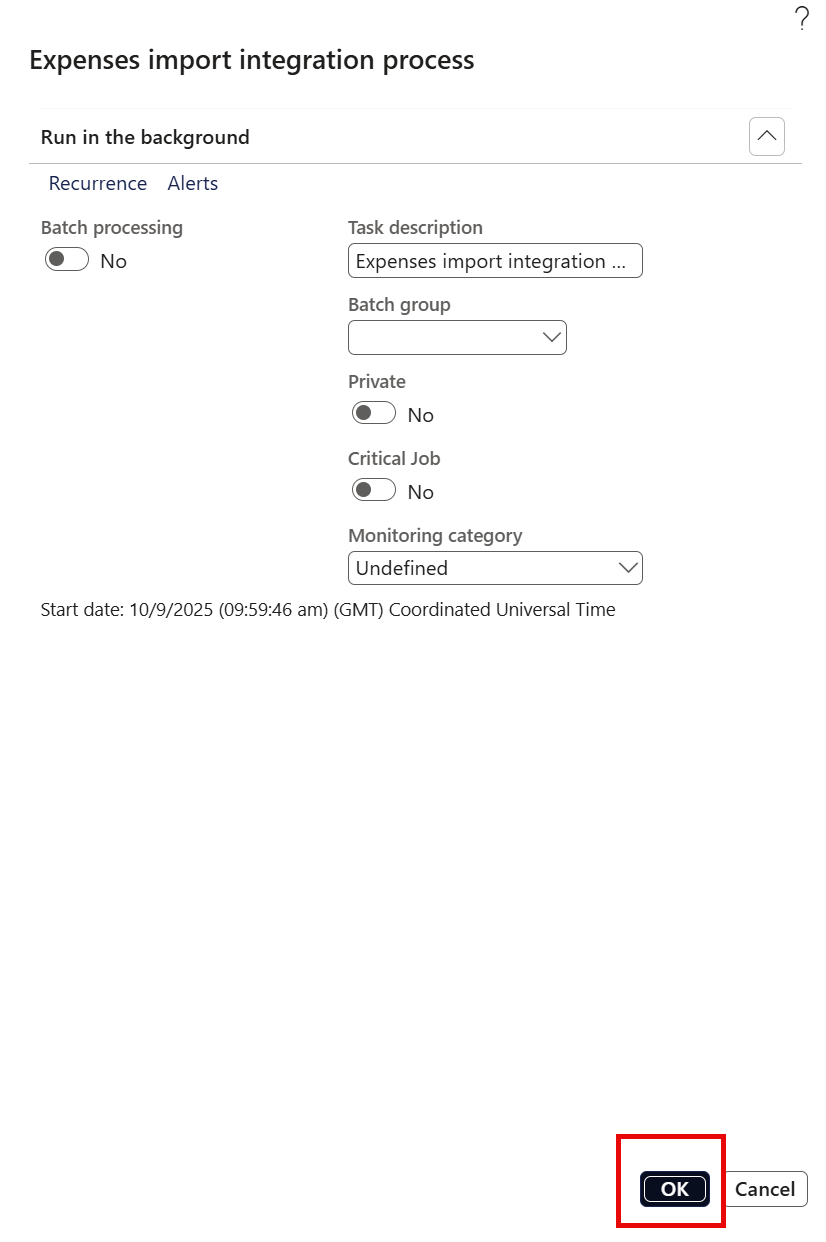
- Click OK to confirm import settings and start processing the expense data.
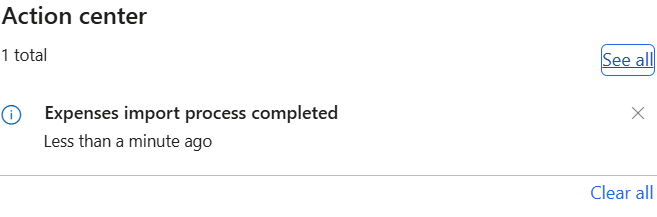
- A confirmation message displays after expenses are successfully imported: "Expenses import process completed."
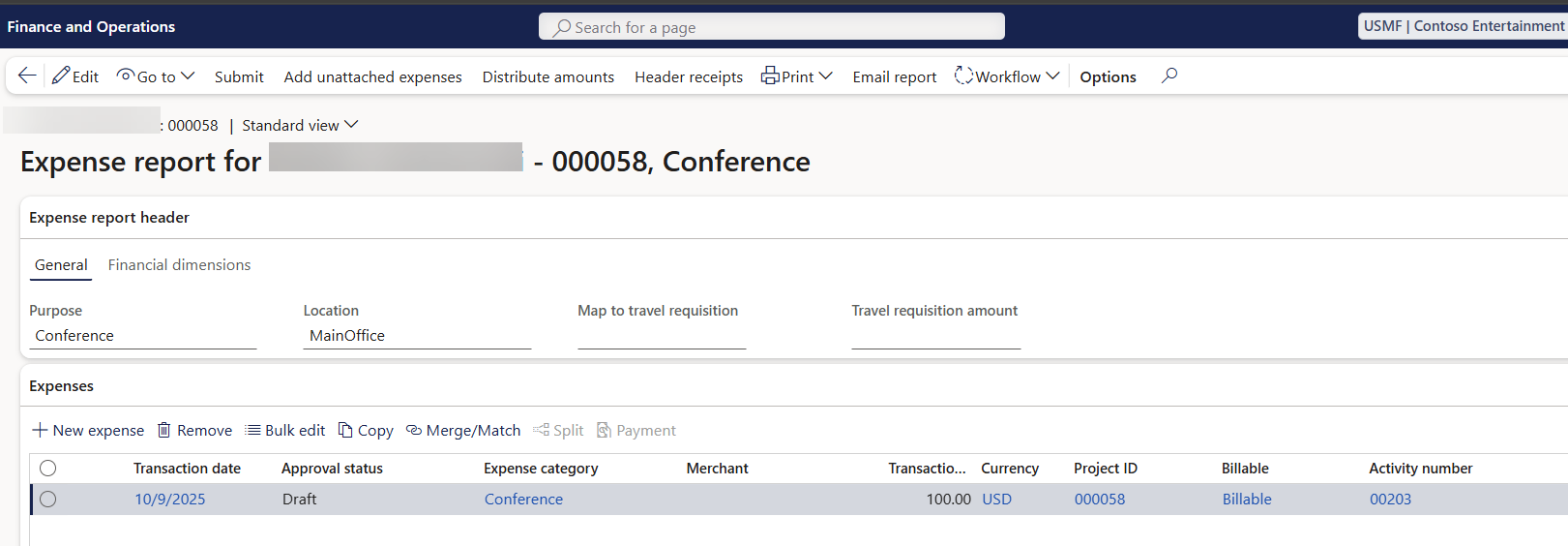
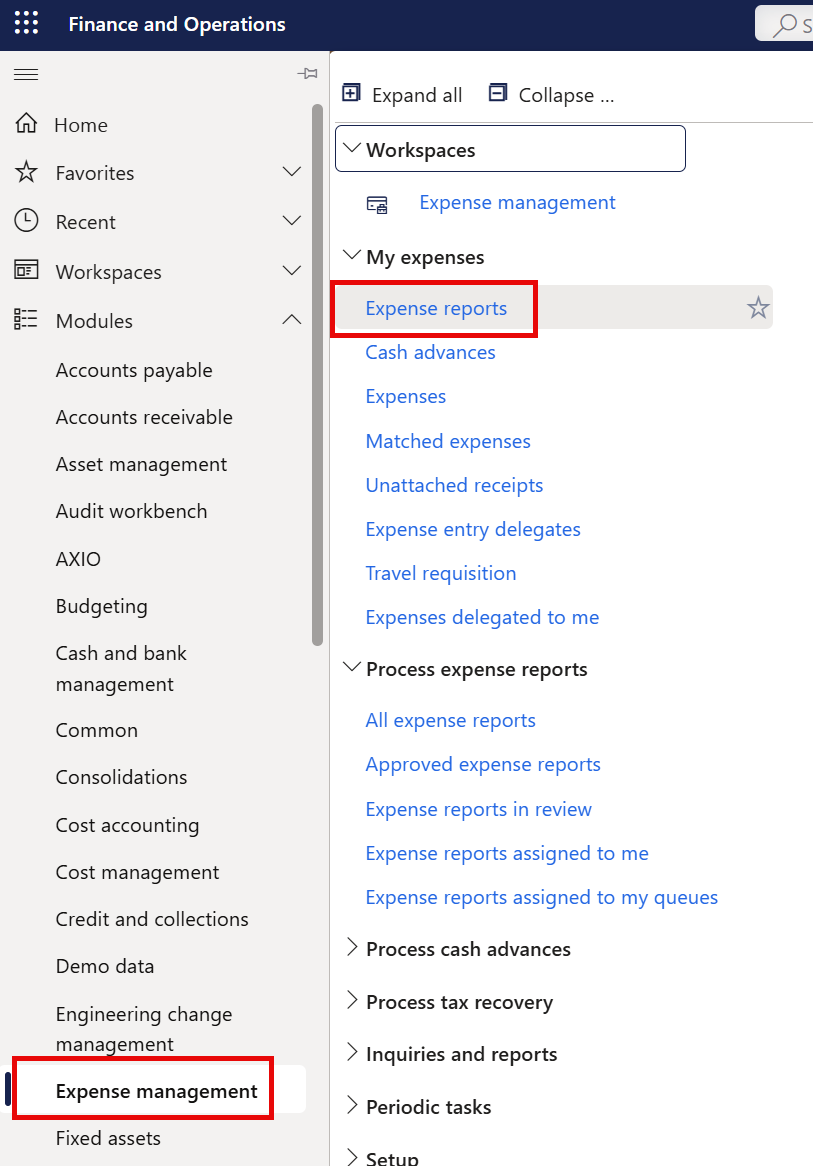
To review the imported Expense report, navigate to AXIO > Expense management.
Under My expenses, select Expense reports.
The Expense report is created with a Status of 'Draft' and includes information imported from the .csv file.